Today we will discuss about how you can share your mobilscreen with others……
STEPS:
Step1:First of all,you have to download Screen meet Mobile Screen Share apk
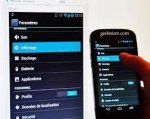

Step2:then you need to sign up for account,you can sign up with google account also
Step3:after opening the app you will see a link there in the app that you have to share with others whom you want to share your screen.
Step4:Now simply click on start button.
Step5:now open the link in any android device from which you want to acess to the screen and the screen will get displayed there
That’s it you are done!this is how you can share your android screen with another smartphones.
Just like screen meet mobile screen apk there are some alternative apps.Below are some of the apps that would help you to share screen between multiple devices.
1:screen share-Remote Assisstance
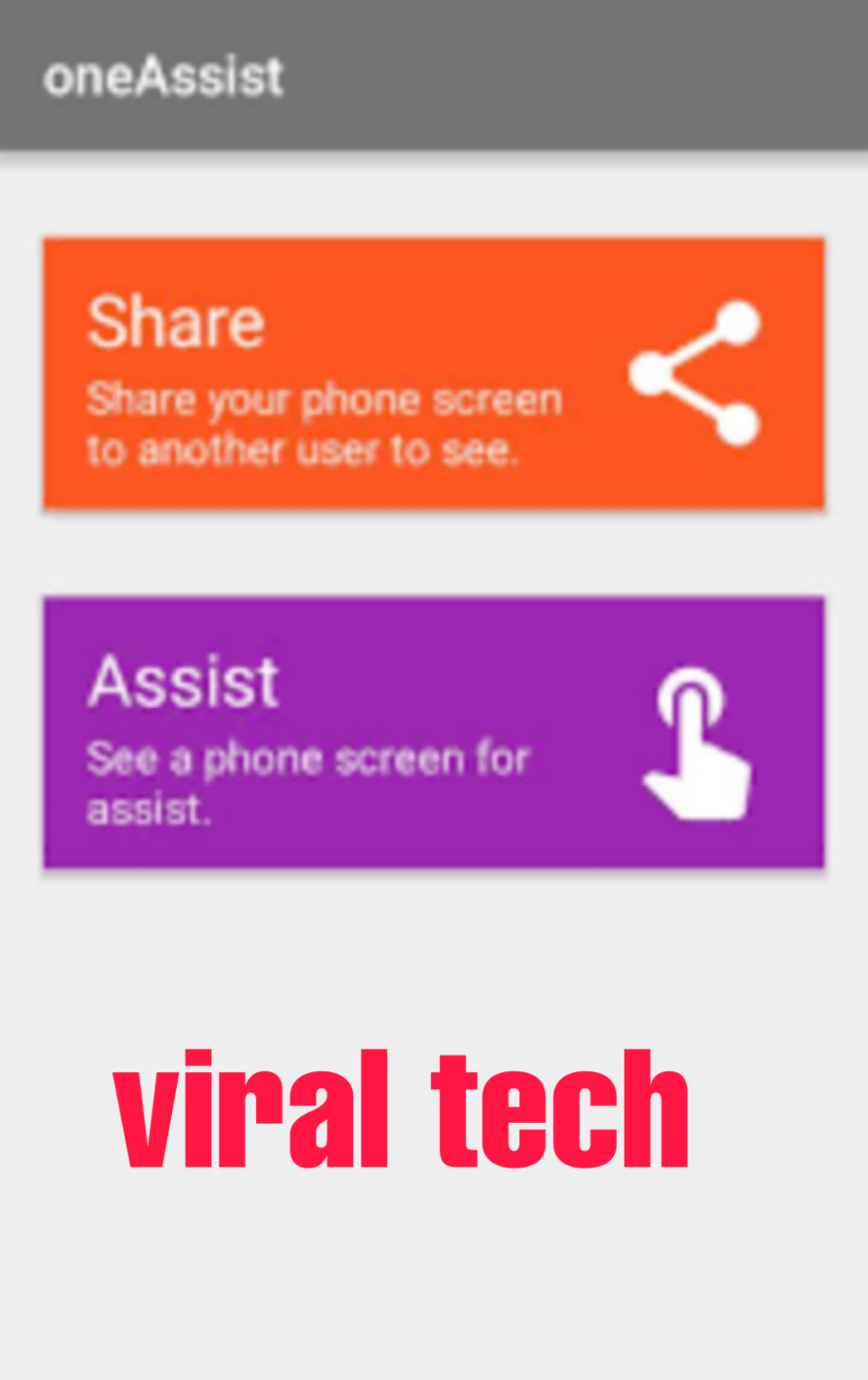
This app is also best pick for you.This app is great for helping friends.Once connected you can also start a voice chat,and you can also draw on their screen to guide them.
2:Inkwire screen share+assisst.
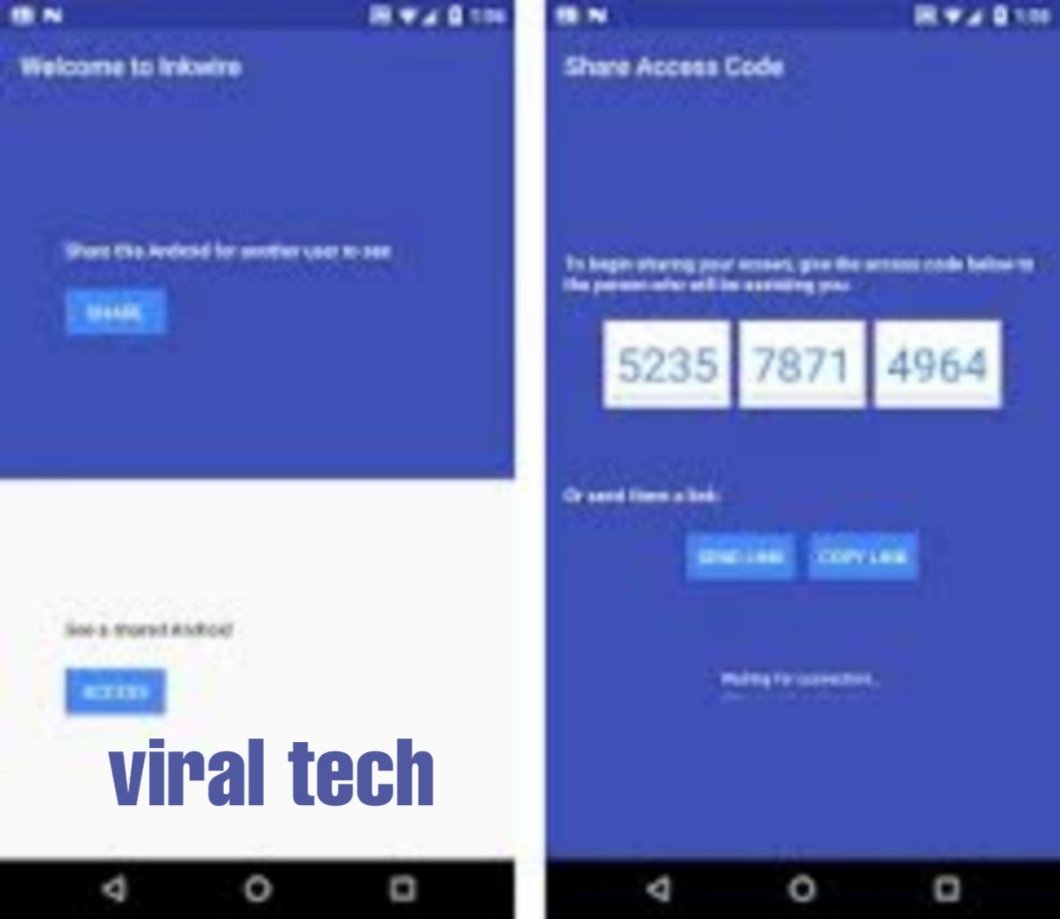
Another best app on the list which could help you to share your screen with another user.
That’s it you are done now .
if you have any problem comment me.
share this post with friends.
 viraltech